Overview
Small business lenders use underwriting tools to gather business records, review cash flow, find other creditors’ claims, and apply lending rules. The best choice depends on the lender’s borrowers and workflow, not on a single platform’s feature count.
Compare tools on the records they return, the gaps they leave, and how they handle exceptions. Automating a lookup can reduce manual work, but it does not guarantee an instant approval or a compliant credit decision.
In brief
- Choose tools for business verification, financial analysis, public-record searches, and lending rules.
- Check each source’s coverage and update date rather than assuming a direct connection is current.
- Keep a record of the data and rules behind each credit decision.
- Test missing-data and manual-review paths as well as routine approvals.
What each underwriting tool does
Lenders need tools for different parts of the same decision, from identifying the borrower to assessing its finances and applying credit rules. Match each tool to a specific task so its role in the process is clear:
- Business verification tools check registration, tax-ID matches, and address information. They support identity review, but a business record alone does not establish that the applicant can borrow on the company’s behalf.
- Cash flow tools retrieve bank transactions with the borrower’s permission. Use them to review balances, recurring payments, and money available for new debt payments. Check how they distinguish sales from transfers and loan proceeds.
- Public-record tools retrieve UCC financing statements, tax liens, judgments, and related records within their coverage. A Uniform Commercial Code (UCC) financing statement gives notice of a claimed interest in business assets. Finding a record starts a review of the claim rather than settling its legal effect.
- Credit-rule tools compare applicant data with the lender’s policy and route applications for approval, decline, or review. A loan origination system manages the application through the lending process. Confirm which functions a vendor actually provides.
Choose financial data for the borrower’s business
Bank, accounting, and payment records add different details. Select the connections that answer the remaining credit questions:
- Bank-data connections show transactions and balances in the accounts the borrower shares. Check institution coverage, available history, and how the tool reports disconnected accounts or incomplete data.
- Accounting connections add income statements, balance sheets, and records of unpaid customer invoices. Ask how the tool handles delayed bookkeeping and reconciles those records with bank activity.
- Payment-processor data can add sales, refund, and disputed-payment information for businesses that take payments through those services. Check which channels are included before treating the results as total business revenue.
Evaluate providers with representative files from the business types you lend to. Compare missing records and discrepancies, not just successful demonstrations. The same vendor may perform differently across accounts, states, and borrower types.
Key criteria for evaluating underwriting tools
An underwriting tool needs to provide usable evidence and handle cases where records are missing or delayed. Evaluate the source data, decision records, and integration behavior before relying on it in your lending process:
- Source coverage and freshness: Ask where each record comes from, when it was updated, and what a no-result response means. A fast response can still contain old or incomplete information.
- Decision records: Keep the input data, rule version, and reasons behind each outcome. Regulation B sets adverse-action notification requirements, with different procedures for certain business credit. When reasons are required, they must identify the specific principal reasons. A generic low score is not enough.
- Integration and failure handling: An application programming interface (API) lets systems exchange data. Webhooks send notifications when results change. Test delays, outages, duplicate notifications, and manual fallback so a missing response does not become an approval.
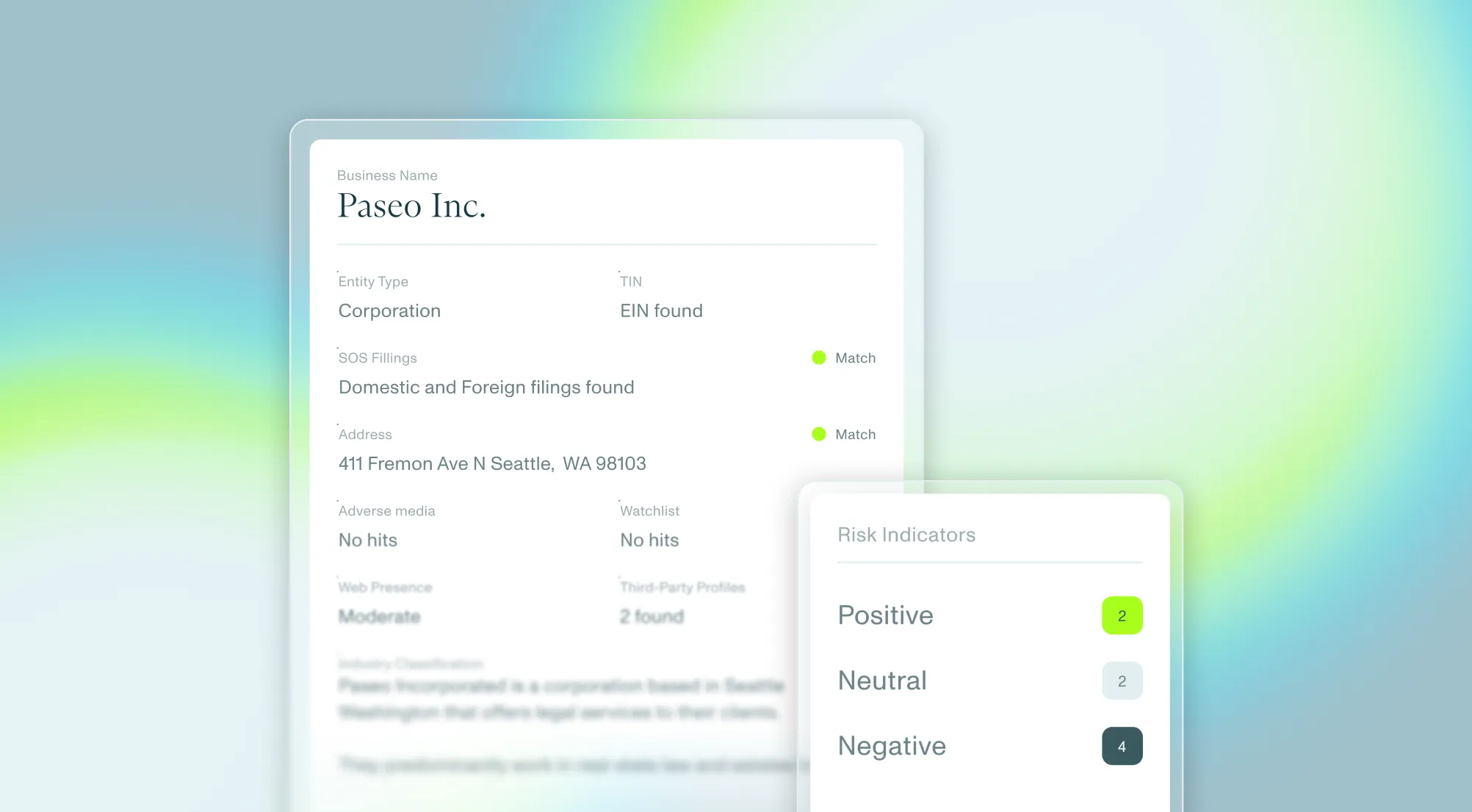
Middesk supplies business verification checks, while its credit-risk tools provide public-record searches. These are inputs to underwriting, not a substitute for bank-data analysis or the lender’s credit policy.
Frequently asked questions
How do automated underwriting tools improve loan decision speed?
Tools can retrieve records and move data between systems without repeated lookups or retyping. The time saved depends on source availability, integration quality, and how many files still need review. Measure the change in your own workflow rather than assuming a days-to-minutes result.
What role does open banking play in small business underwriting?
Open banking lets a borrower authorize a service to access financial-account data. For underwriting, that data can support analysis of balances, recurring payments, and cash flow. Confirm which accounts and periods are included, and reconcile deposits before calling them revenue.
Can smaller lenders implement automated underwriting without custom engineering?
Pre-built integrations can reduce custom development, but they still need configuration and testing. Ask the provider to demonstrate your data sources, lending rules, exception queues, and decision records before estimating the work required.
Should a lender replace credit bureau data with alternative data?
Not by default. Bank transactions, accounting records, and business verification answer questions a bureau report may not cover. Test whether each additional source improves the lender’s assessment and whether the same information is already available elsewhere.

New to Middesk?
Talk to our team to see what business identity intelligence looks like inside your workflow.
Get a demo