

Confirm existence
Confirm existence
Check whether the business appears in official state records.

Check registration status, names, addresses, officers, and registered agent details, then use the results in onboarding and review.
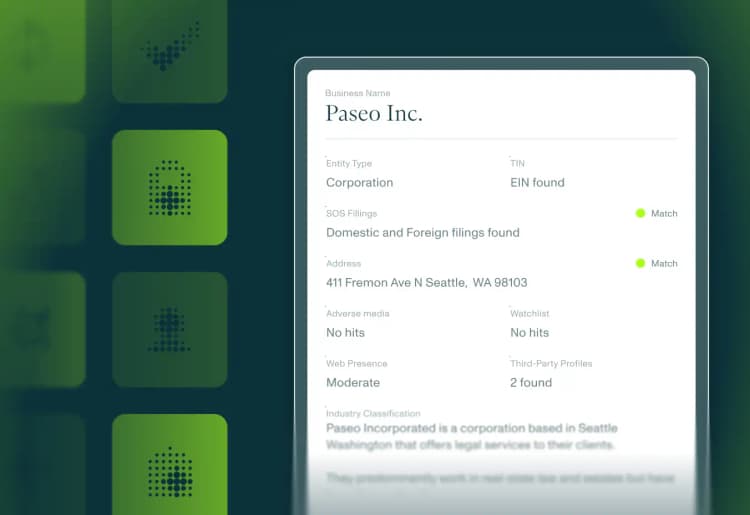
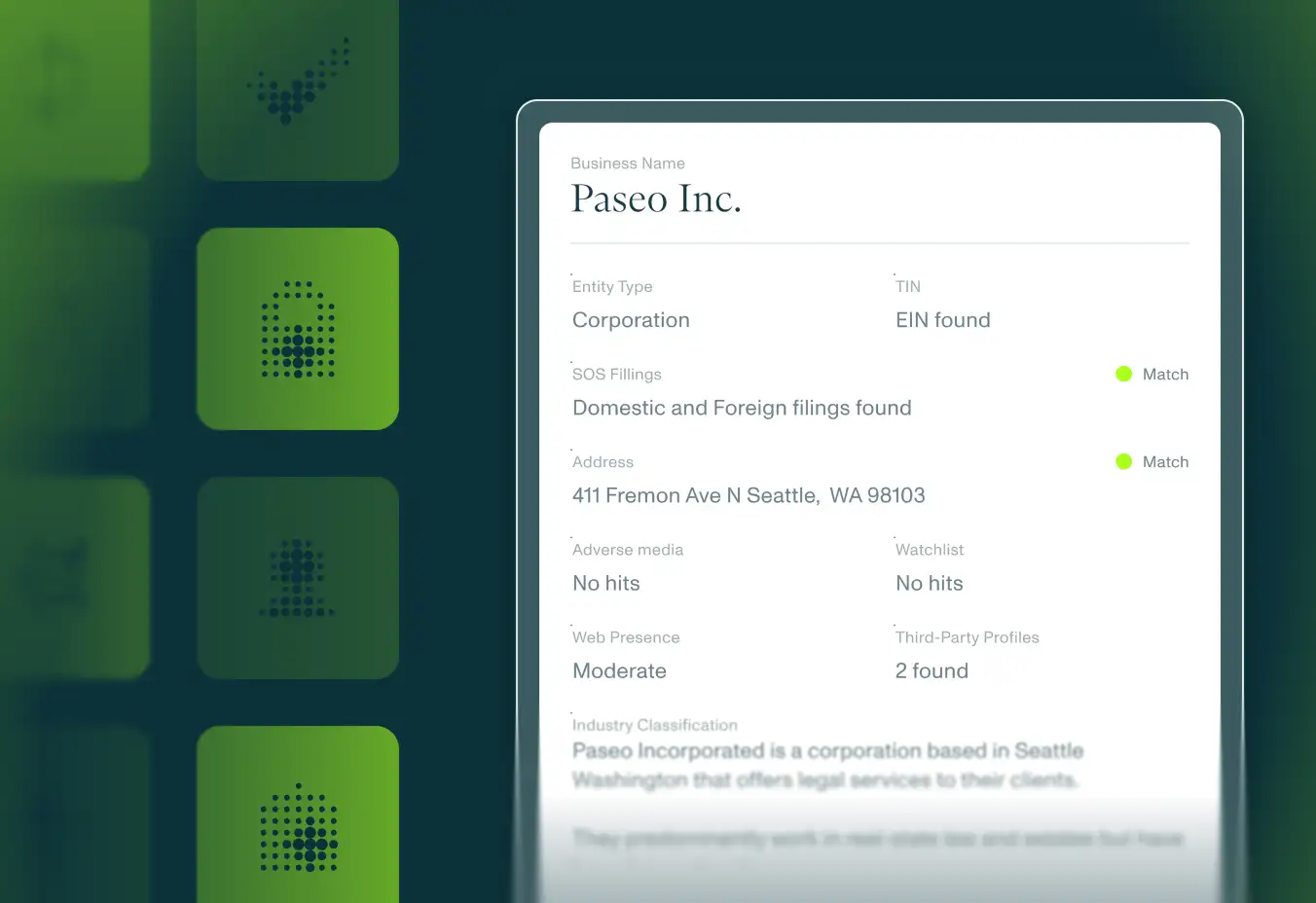


An SOS API helps teams retrieve and verify Secretary of State registration data for a business. It can show whether a business is registered, active, inactive, dissolved, foreign-qualified, or otherwise represented in state filings. State registration data is useful only when teams can compare it to the application. Middesk returns registration status, names, addresses, officers, registered agent, and formation details with the business profile so teams can review mismatches and monitor changes after onboarding.


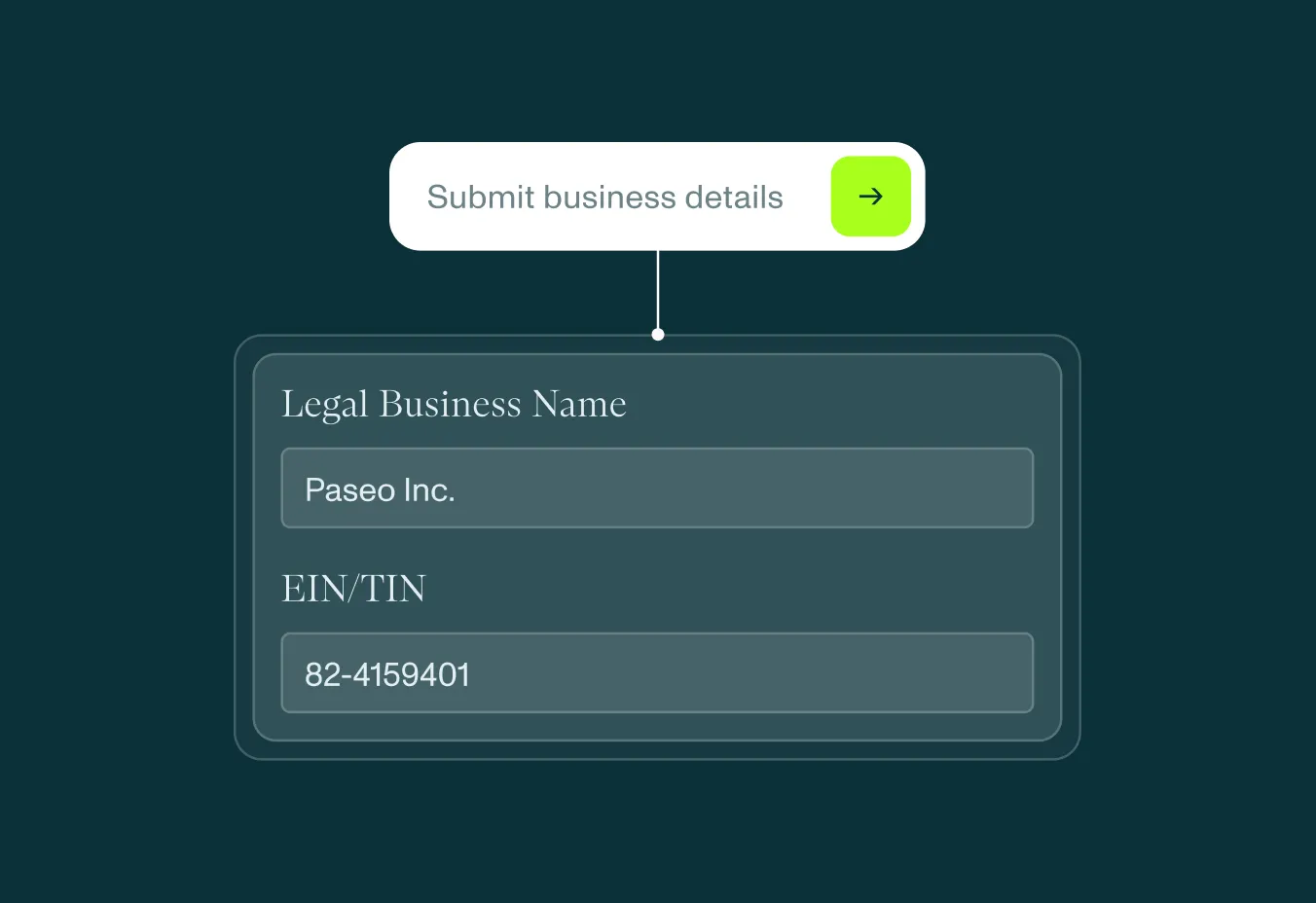
Submit business information. Send the business name, address, and formation or operating state when available.
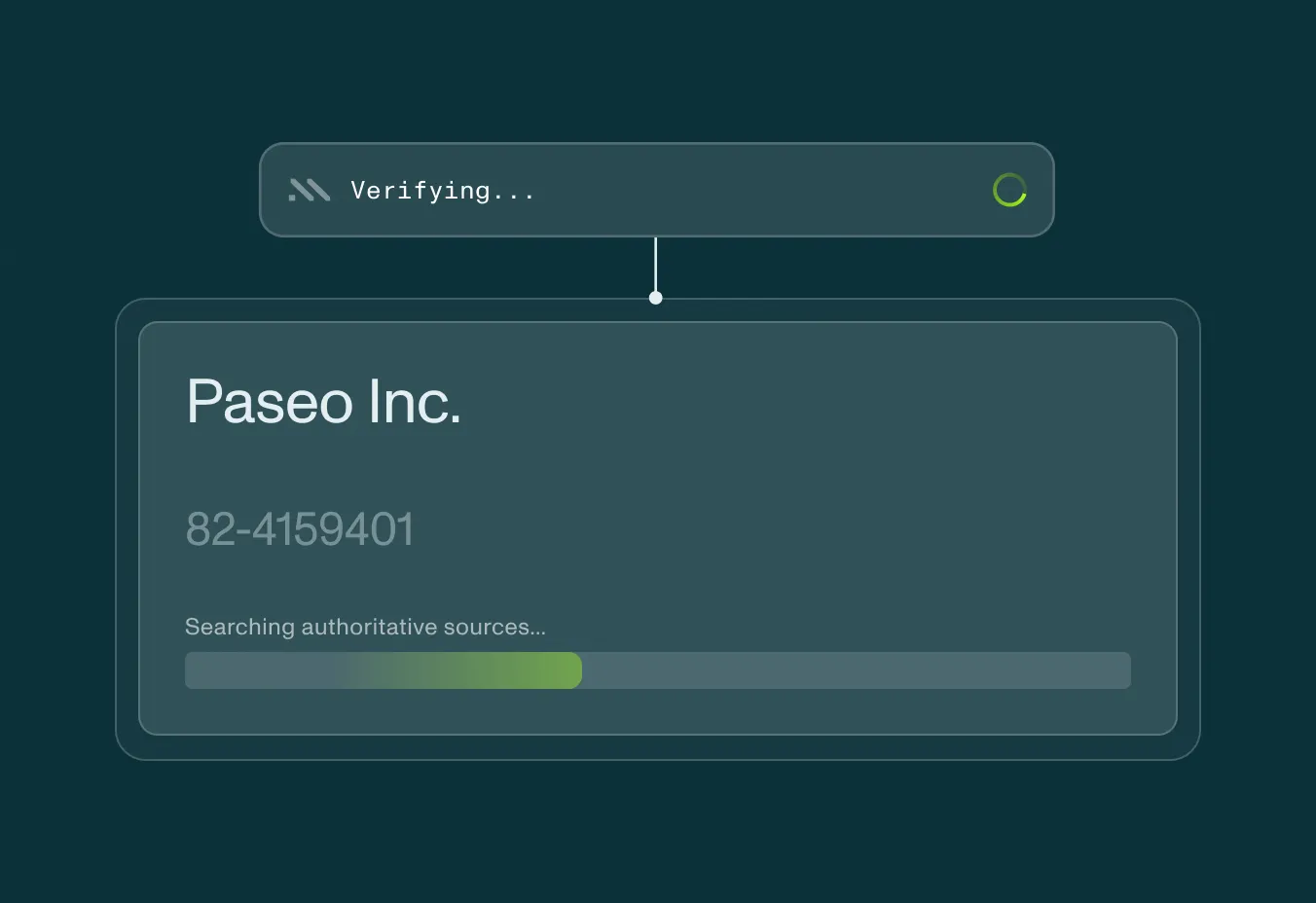
Retrieve registration data. Middesk returns matching registration records, status, jurisdiction, officers, registered agent, and formation details when available.
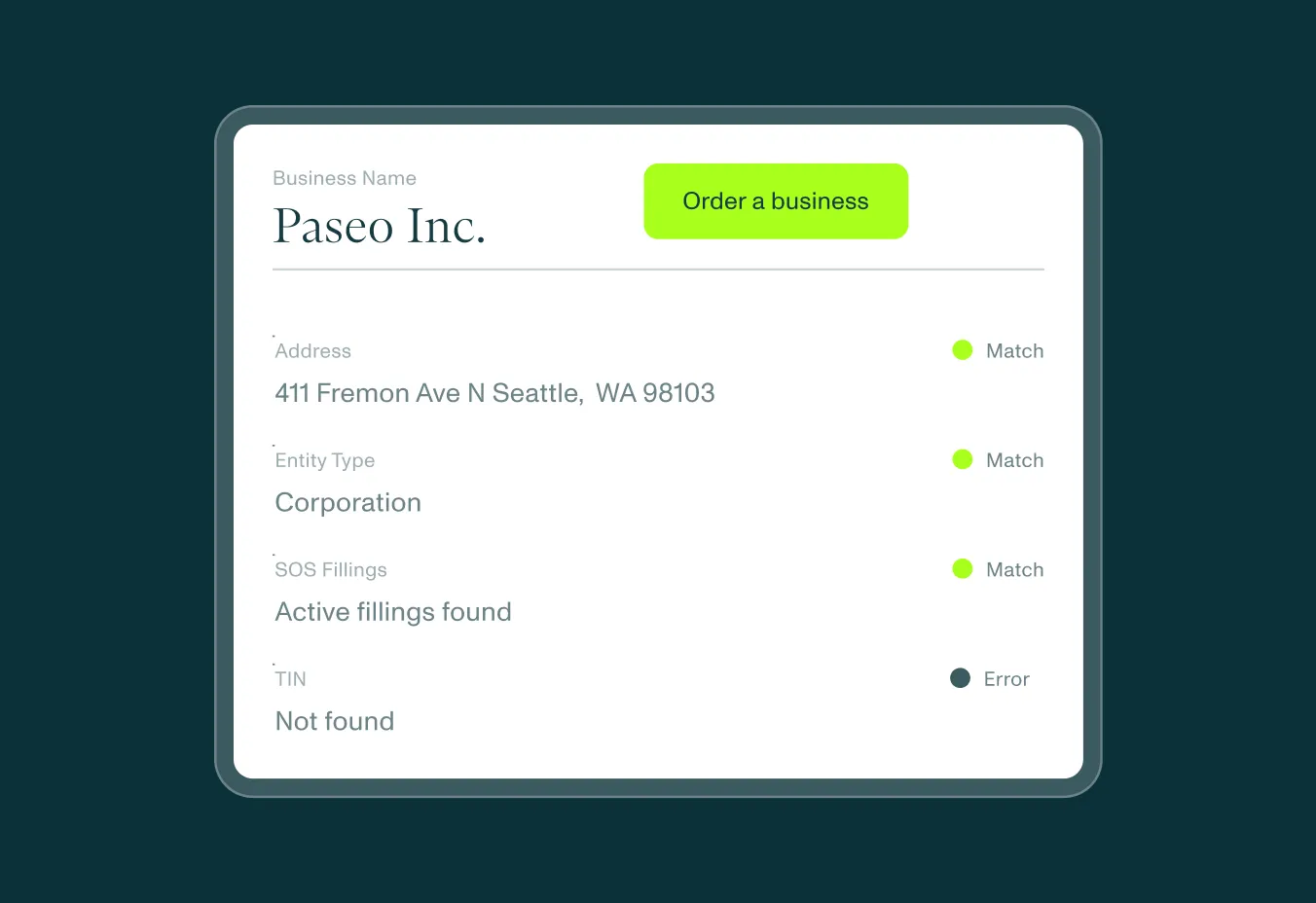
Review mismatches. Compare state records to the submitted application.
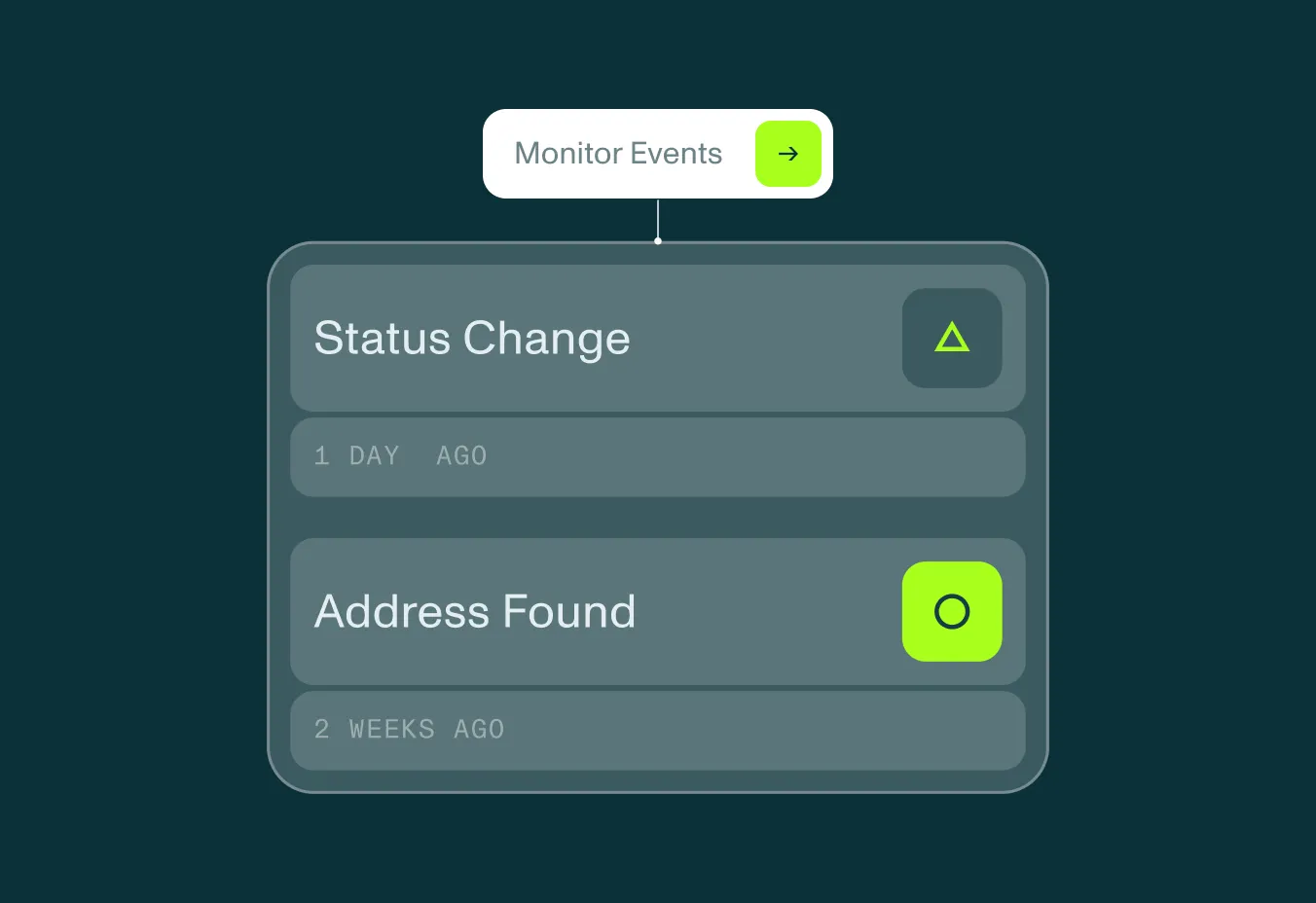
Monitor changes. Track status, address, officer, name, or registration events after onboarding.
[need to update]
Active, inactive, dissolved, withdrawn, or other state-specific statuses.
Domestic, foreign, formation, and operating-state context.
Legal names, DBAs, and submitted-name matches.
Registration and filing addresses.
Officers and associated people listed in state filings.
Agent details and addresses when available.
Changes to registration data over time.

Companies in a variety of different industries need to verify business to effectively manage their B2B relationships.

Verify business customers quickly while meeting KYB, AML, and fraud-prevention requirements.
Assess business identity and risk before underwriting commercial customers.
Confirm a business is real, registered, and safe to serve before opening an account.
Understand business identity and risk before extending capital.
Keep fraudulent or non-compliant sellers out while reducing friction for legitimate businesses.
Screen merchants before enabling payment activity and monitor for risk after onboarding.
Check whether the business appears in official state records.
Compare submitted names, addresses, and people to filings.
Avoid routine state-by-state manual searches.
Monitor registration changes after approval.
Middesk does not treat SOS data as a portal dump. Registration data appears with the business profile and review workflow, so teams can connect state records to tax ID, address, screening, document, and monitoring signals.


For example, the applicant name didn't match the officer name on the state registration, and the applicant email didn't match what was publicly listed on the business website. We were auto-approving businesses that should have gone to manual review. It cost us tens of thousands of dollars.
Head of Risk
Fintech Company
It can return Secretary of State registration details such as status, jurisdiction, legal names, addresses, officers, registered agent, and formation data when available.


