Overview
We’ve brought Middesk to your Claude chat. You can now ask Claude a question the way you would ask a colleague, and it answers with Middesk's authoritative business identity data rather than guesswork. A prompt like "What is the Secretary of State status for Acme Logistics LLC, and who is its registered agent?" returns a sourced answer in seconds. The plugin ships with skills built for the workflows teams run most often:
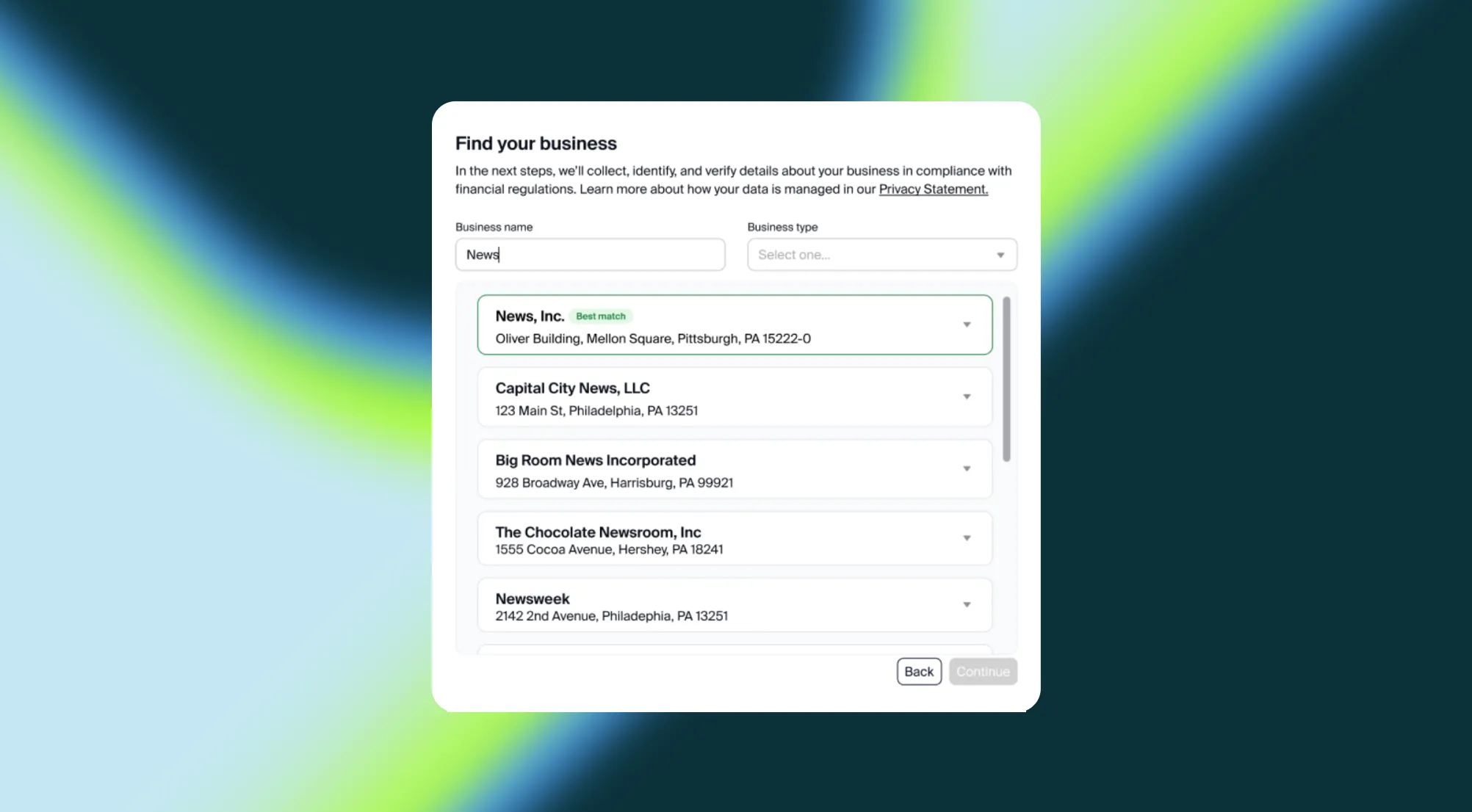
- Entity lookup: Search by legal name, trade name, or identifier to check Secretary of State status, addresses, and registered agents.
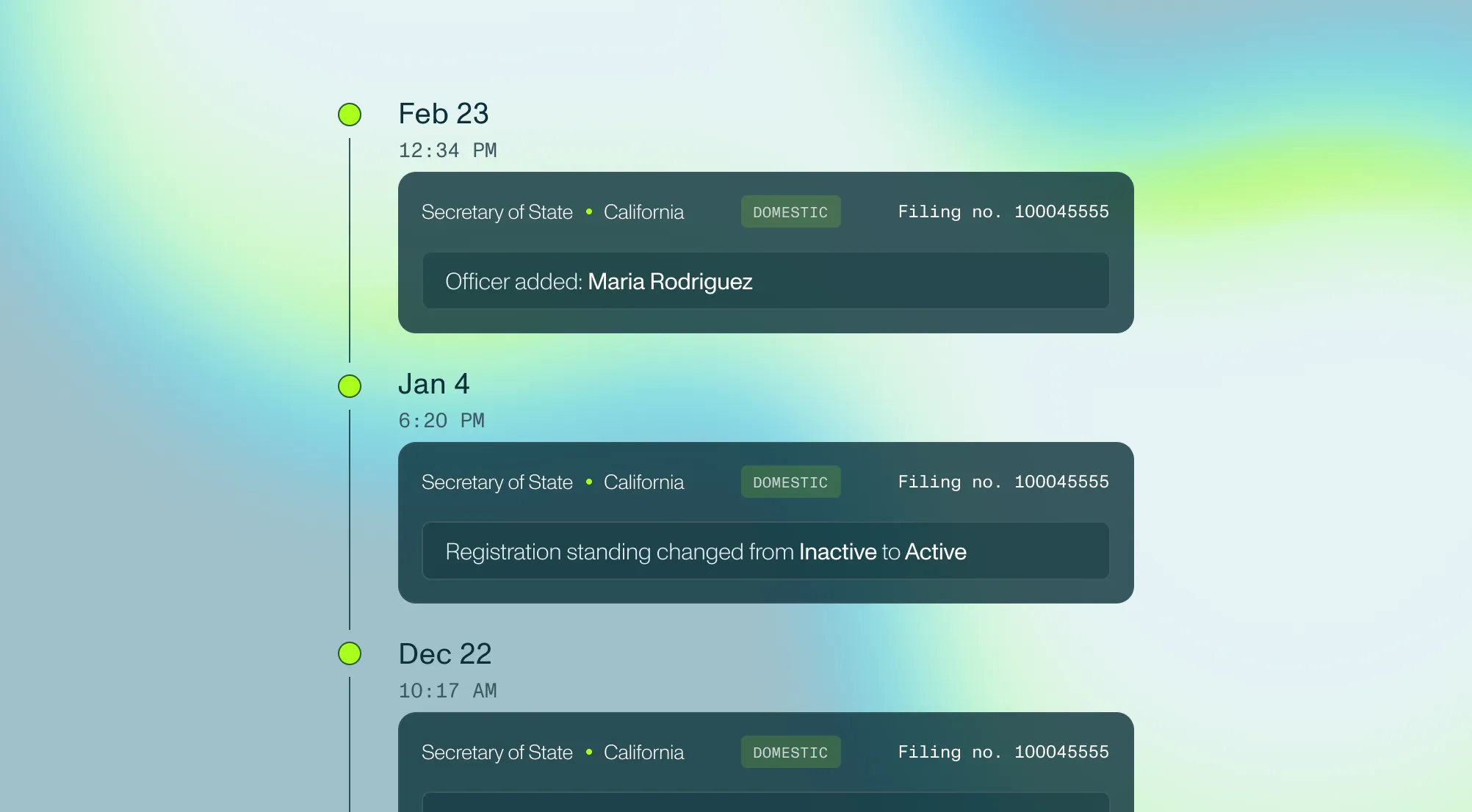
- Verification records: Retrieve a business's full verification report, including filing history, TIN match outcomes, and review insights.
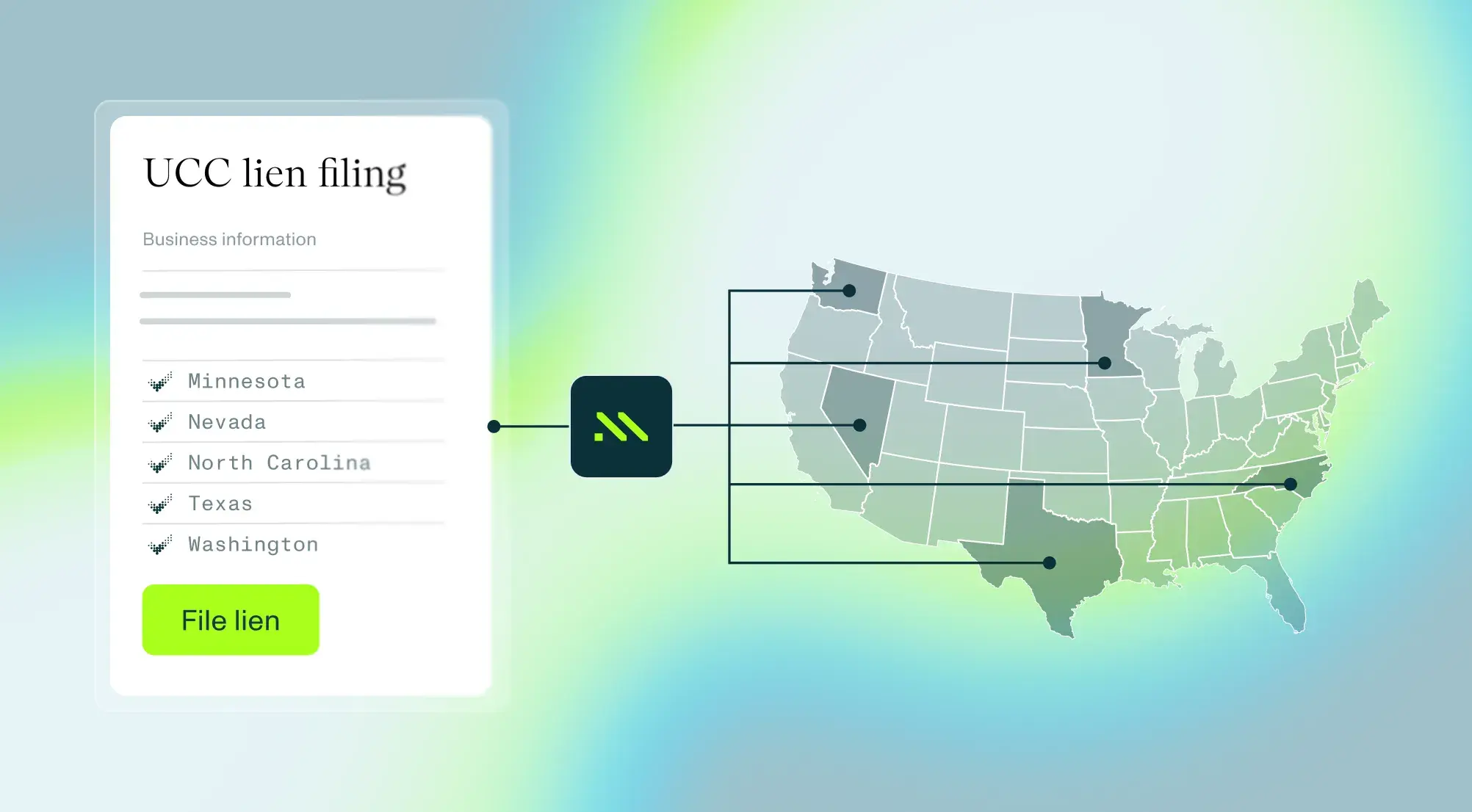
- Order verification: Place orders using the packages enabled on your account, including core verification, TIN, liens, and adverse media, while Claude walks you through any inputs it needs.
Fast access on your terms
Fast access only helps when you stay in control of what happens with it. The plugin respects your account's entitlements and keeps every change and every dollar of spend in your hands:
- Governed data access: The plugin connects to your production account using OAuth or API keys and enforces the exact permissions and product tiers already set on your account, so Claude can only see and do what your account allows.
- Confirmation before spend: Read-only lookups run instantly. Billable actions, such as creating a business or ordering a verification, always ask for your explicit confirmation before anything is placed.
Set up the connection
The Claude Code plugin is available now in the Claude plugin directory. Here’s how to set up:
- Open Customize. In the Claude app, click Customize in the left sidebar. In Cowork, open the Cowork tab first.
- Find Middesk. Go to the Plugins tab, select Discover, and search for Middesk.
- Install the plugin. Select Middesk and click Add.
- Connect your Middesk account. Installing doesn’t sign you in to the connector automatically. Open the plugin’s Connectors tab and connect it using your Middesk credentials or API key.
- Ask your first question. In any conversation, ask something like “Look up the Secretary of State status for [business name]".
From there, try pulling a full verification report or placing your first order to see how the plugin fits into the way your team already works. For help with setup, feel free to reach out to the Middesk team.

Connect to Claude
Install the Middesk plugin in Claude to search entities, retrieve verification insights, and run business verification checks without switching tools.
Install now